The Meetarabic app: Muslim dating on iOS and Android
Meetarabic, the Muslim dating site online since 2007, has its official mobile app, on the App Store for iPhone and on Google Play for Android. You'll find your account, your conversations and your favourites there, with the same intention: meeting someone who shares your values, with marriage in mind.


The app that brings you closer
Discover all the features of Meetarabic, available on iOS and Android

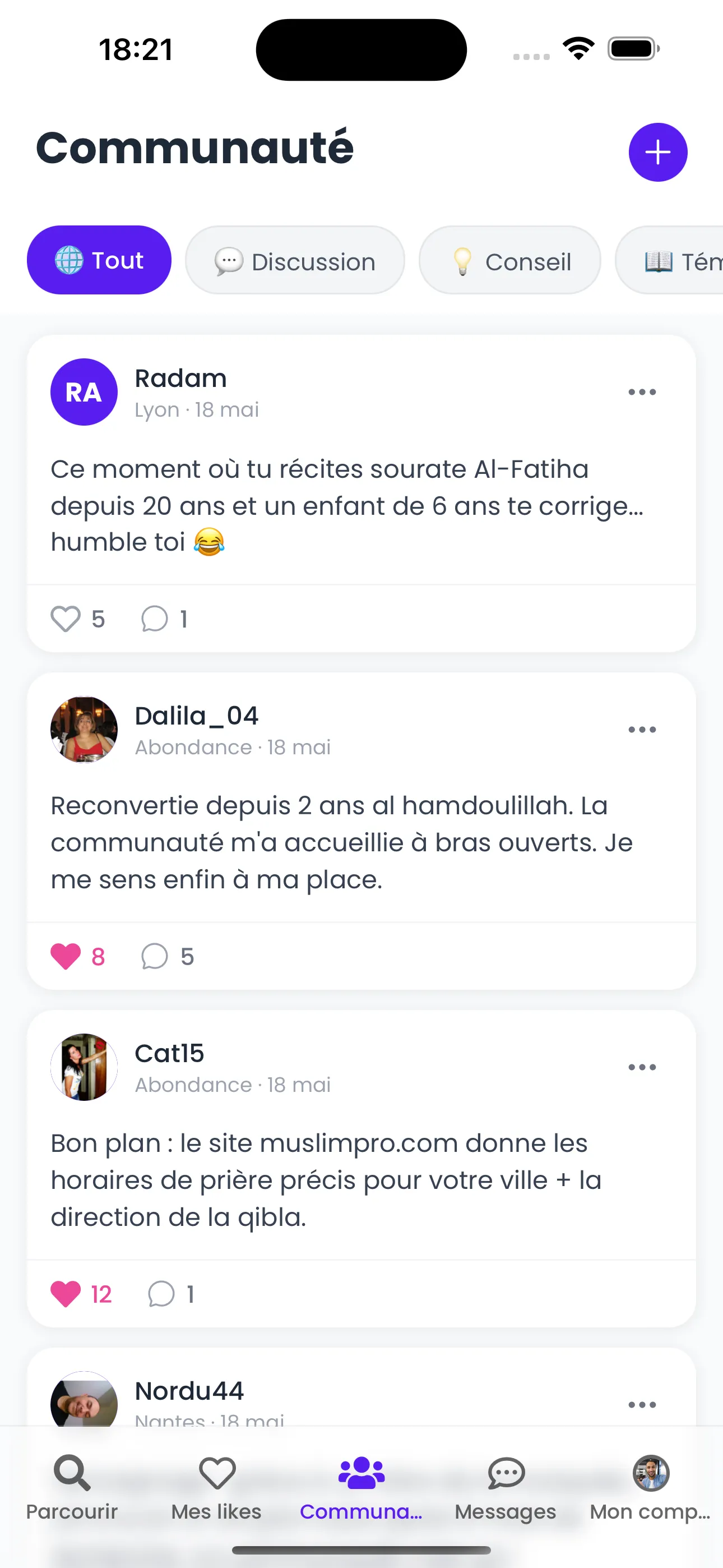
A vibrant community space
Browse community profiles and join conversations in the community feed. Share your experiences, ask questions and connect with members who share your values.
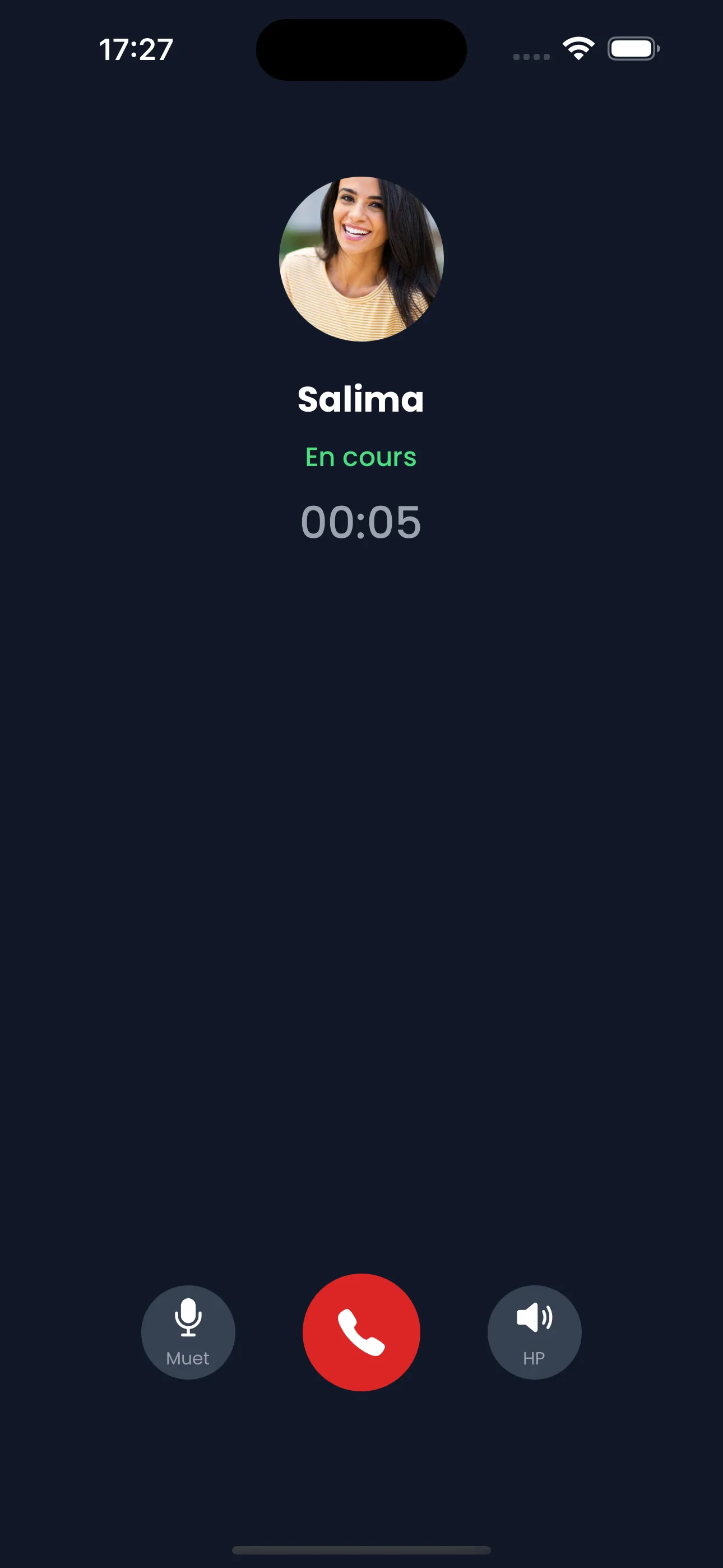
Voice calls with confidence
Talk freely with built-in audio calls. A mutual consent system ensures that every user stays in full control of their communications.
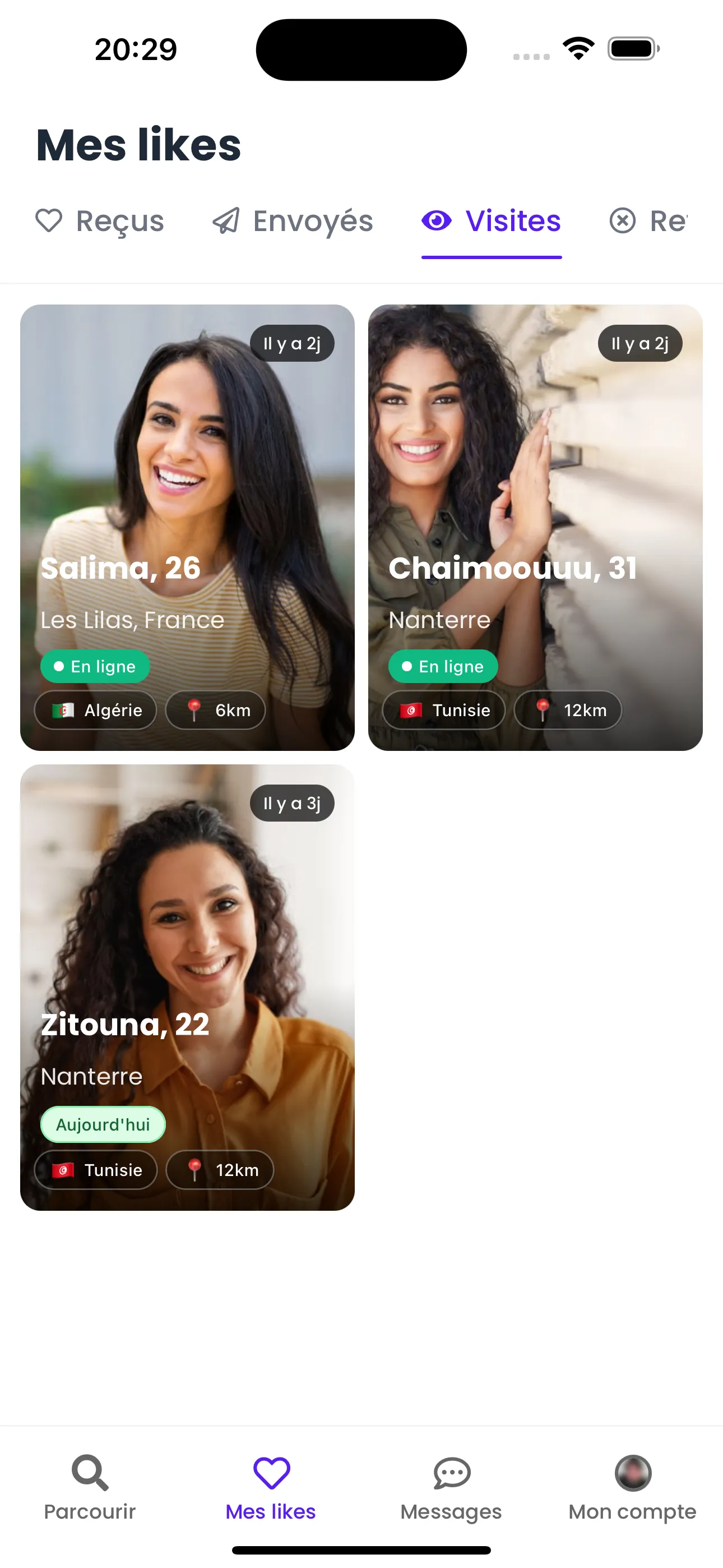
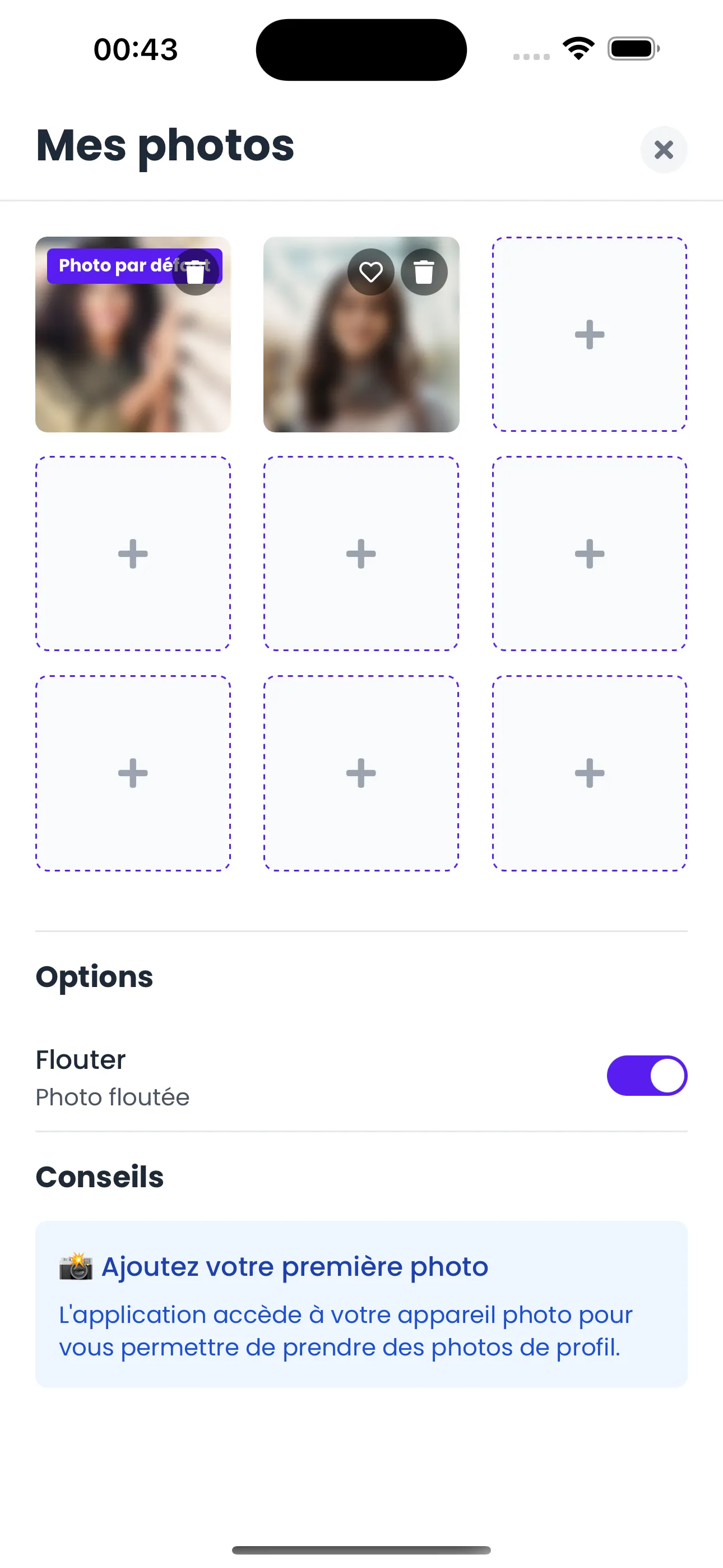
Your likes and photos at a glance
Easily find profiles that liked you and manage your profile photos. Add, reorder and control the visibility of each of your photos.
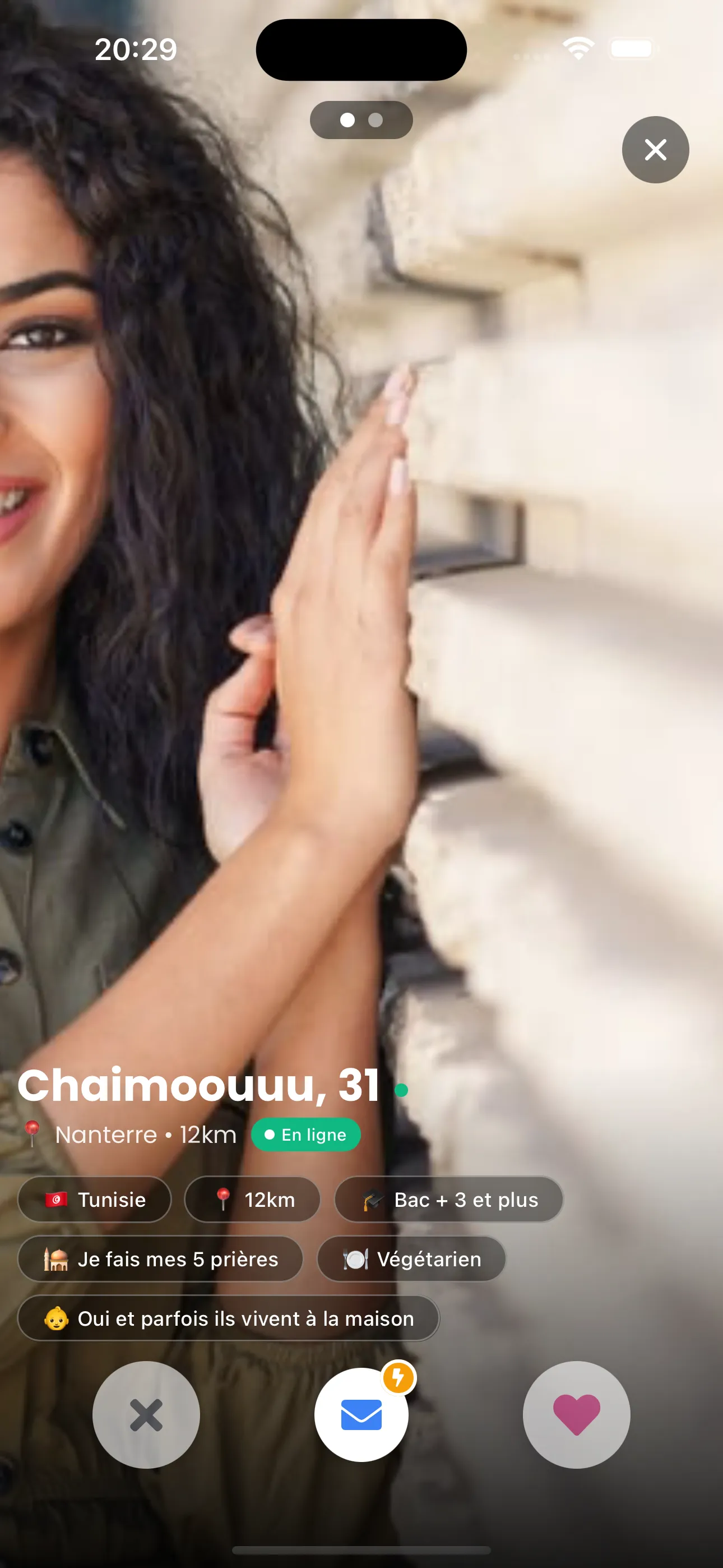
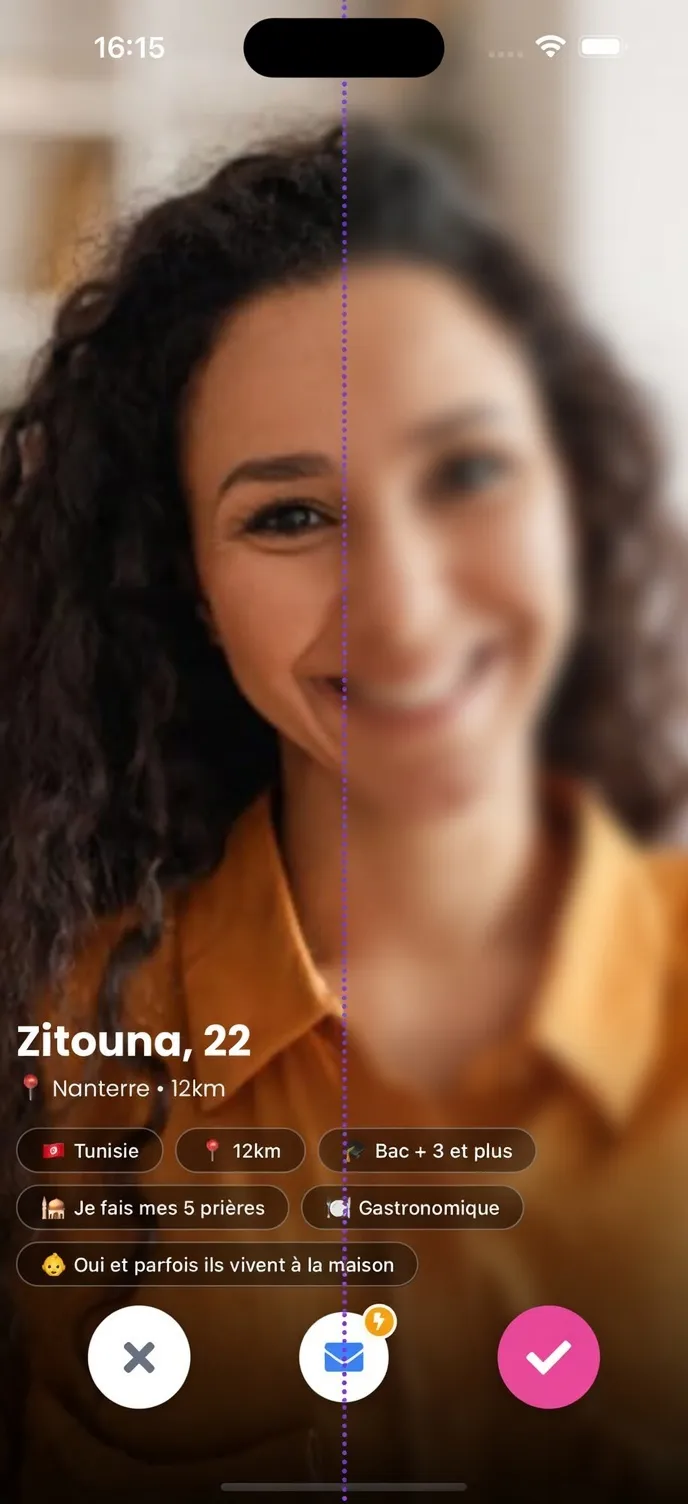
Stay in control of your visibility
Choose who can see your photos with the private photos feature. Blur your images and grant access only to people you choose, with full discretion.
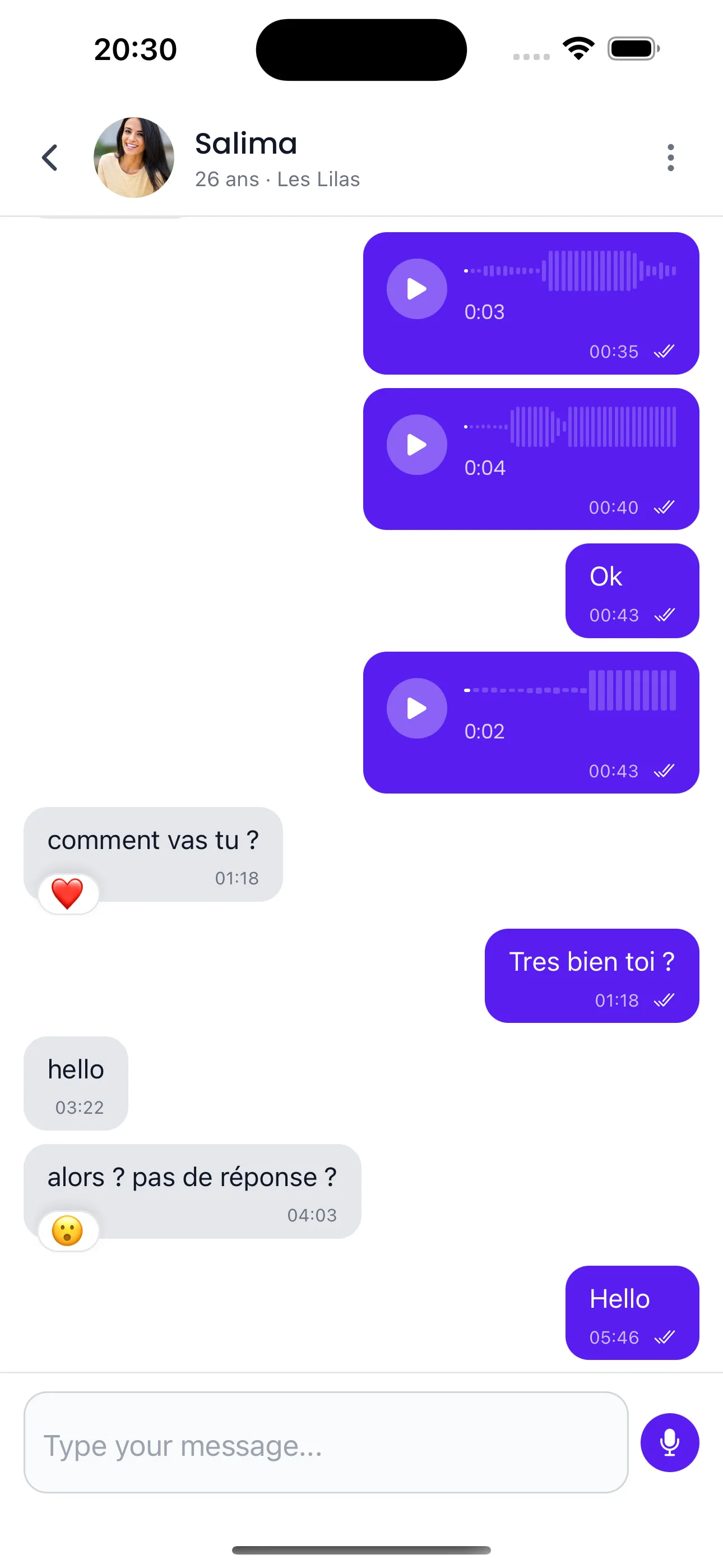
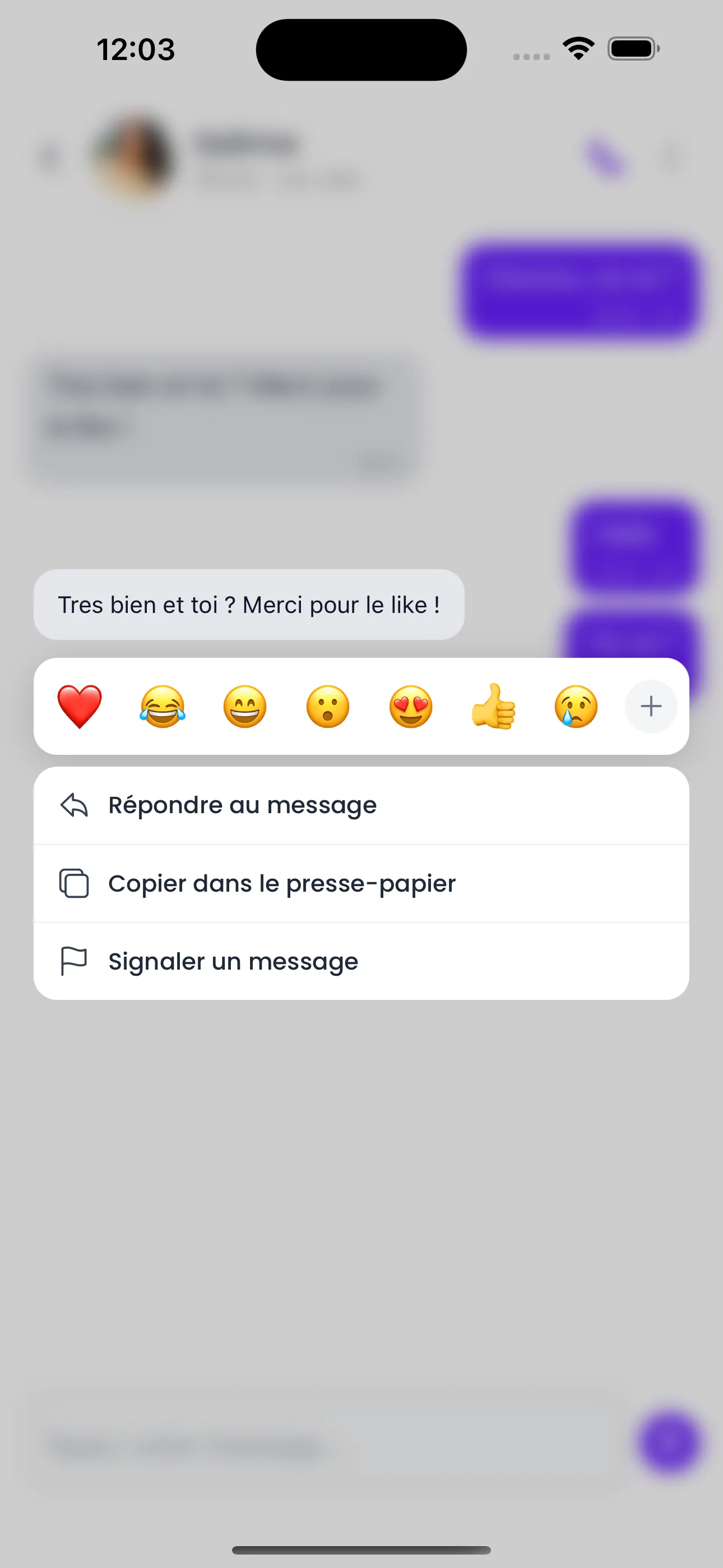
Authentic conversations
Chat through private messages, react to messages and build a natural connection. Flash messages let you make the first move respectfully, without waiting for a match.
What you can do in the app
The app brings you the features of the website, designed for everyday use on your phone:
- Discover profiles and filter them by your criteria: age, distance, origins, languages spoken, religious practice, type of relationship sought, family situation and wish for children, among others.
- Like the profiles that appeal to you and see who has liked you in the dedicated tab.
- Chat through private messages, react to a message or send a voice message, and make the first move with a Flash DM.
- Make built-in voice calls, only once the other person has accepted your request.
- Keep your photos blurred and reveal them only to the members you choose.
- Take part in the Community space: post, comment and follow other members.
- Turn on notifications so you never miss a message, a like or a visit to your profile.
Signing up, creating your profile, searching and receiving messages are free. Some messaging features are reserved for the Premium plan, which you can subscribe to from the app.
Signing up from the app
- Download Meetarabic from the App Store or Google Play.
- Create your account with your email address, confirm it with the code you receive, then choose a password. You can also continue with Google, or with Apple on iPhone.
- Enter your gender, your date of birth and the username other members will see.
- Answer the short profile questionnaire (city, origins, languages spoken, practice, description) and add your photos.
Your account is the same on the website and in the app: if you're already registered on meetarabic.com, just log in with your usual credentials to find your profile and your conversations.
Privacy and moderation
Meetarabic is for adults only (18 and over). Every new or edited bio or photo is moderated immediately, by automated tools and a human team. From a profile or a conversation, you can report a member and give the reason, or block them: the conversation is then hidden and you no longer see their profile. Your photos can stay blurred, and a voice call only takes place with the consent of both people. You can delete your account at any time from the app; deletion is permanent. Your data is processed in accordance with the GDPR, as detailed in our privacy policy.
Frequently asked questions about the app
- Is the Meetarabic app free?
- Downloading it is free, as are signing up, creating your profile, searching and receiving messages. Some messaging features are reserved for the Premium plan.
- Can I use the same account on the website and in the app?
- Yes. One account is all you need: log in to the app with your meetarabic.com credentials and you'll find your profile, your likes and your conversations.
- Do I have to use the app?
- No. The website can still be used in a browser, on a computer or on a phone. The app simply makes everyday use more convenient, with notifications and voice calls.
- How do I delete my account from the app?
- From your account tab, under “My account”, with the “Delete my account” option. Deletion is irreversible: your photos are deleted and your personal data is anonymised.
Download the Meetarabic app
Available free on the App Store and Google Play. Prefer your browser? You can also sign up directly on the website.